
AI documentation
Using Claude or ChatGPT to write your docs: what works, and where it breaks
In short
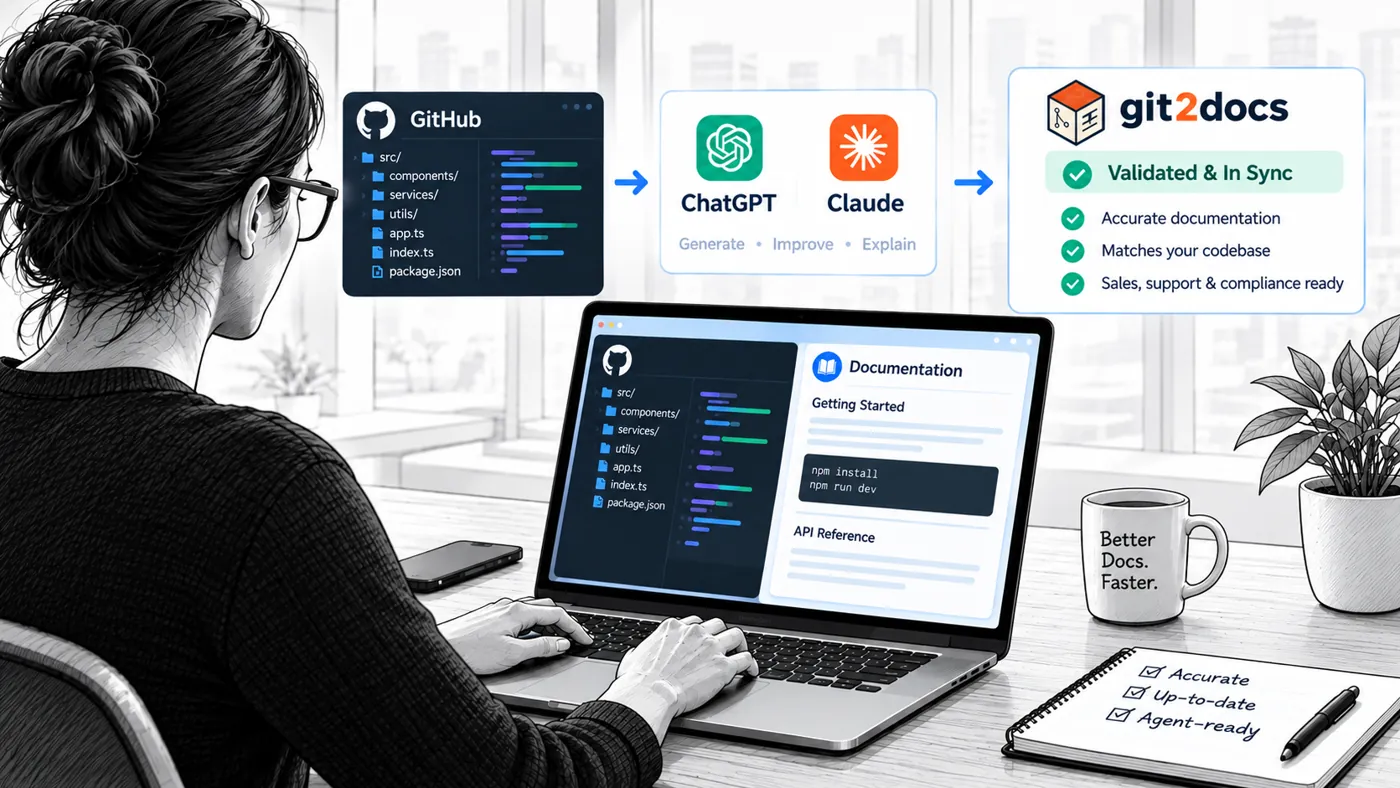
Yes. Claude and ChatGPT write good docs from code. The hard part is keeping them true as the code changes. DIY works for small, internal docs. Once customers, support or agents rely on them, measure accuracy and coverage on every release.
Can Claude or ChatGPT write your docs?
Yes. Point a capable model at your code and it will write clear, well-structured docs: a getting started guide, an API reference, worked examples. For a small project with one owner, that may be all you need.
Writing the first version is rarely the hard part. Keeping docs true as the code changes is. This guide covers both: a DIY workflow that works, where it starts to strain, and how to tell which side of that line you're on.
A DIY workflow that works
Teams that get good results from Claude or ChatGPT tend to follow the same steps:
- Give it the code, not a summary. Run a coding agent such as Claude Code inside the repo, so it reads the actual source instead of your description of it.
- Ask for one page type at a time. Getting started, reference and guides are different jobs. A single "document this repo" prompt blurs them.
- Hand it your terms and voice. A short style note (product names, banned words, tone) keeps pages consistent across sessions.
- Run every example. Paste each command and call into a terminal before you publish. Models write plausible examples, and plausible isn't the same as working.
- Keep docs next to the code. Commit them to the repo and review changes in pull requests. That's docs as code.
- Rerun on every release. Regenerate the pages the release touched, diff them, and review before you publish.
Follow those six steps and the first release of your docs will be good. The next sections cover what happens on the fifth.
What changes after the fifth release
The model doesn't get worse. The process around it gets heavier. Every release adds code that the docs might now misdescribe, and nothing in your build fails when they do. That gap is documentation drift, and it's why documentation falls behind code even on teams that care about it.
Here is where DIY usually strains:
- The rerun becomes a job. Someone has to remember which pages each release touched, regenerate them, merge the output and publish. Skip one release and the next one is twice the work.
- Ownership blurs. The engineer who set up the prompts moves on. The style note lives in their head or an old chat.
- Errors don't look like errors. A page with a renamed parameter reads exactly as confidently as a correct one. You find out when a customer pastes the example and it fails.
- Regeneration fights hand edits. Rerun a page and the fix a support engineer made last month may disappear, unless someone merges by hand.
- Versions multiply. Customers on v2.3 and v2.4 need different pages. A one-repo, one-prompt setup rarely tracks that.
- Agents read your docs too. Coding agents and chatbots now act on documentation directly. A wrong default doesn't confuse them. They use it.
None of this means the DIY approach failed. It means docs stopped being a writing task and became an upkeep task. The hidden cost of documentation debt lands on engineering, support and sales long before anyone budgets for it.
Why accuracy matters more now: agents read your docs
Your docs used to be read mostly by people. Now agents read them too, and agents don't skim or second-guess. They take a documented default, parameter or example and act on it.
That changes what a wrong page costs. A person who hits an odd value may stop and ask. An agent builds on it, in a support answer, a customer's integration, a partner's product or your own engineering work. One wrong claim becomes many wrong actions.
One wrong claim becomes five wrong actions — costs and debt build up
Agents act on what your docs say. Illustrative example.
- 01Support chatbotanswers a ticket with the 30s valueThe customer's job still fails; the ticket escalates
- 02Customer's coding agentwrites integration code that waits 30sRequests time out in production; the integration breaks
- 03OEM or partner agentbuilds the 30s value into its own productYour error ships inside someone else's product
- 04Your engineering agentsbuild a new service on the documented defaultThe new service inherits the bug
- 05Evaluator's agent in a POCruns the documented example against your APIThe example fails and the evaluation stalls
Your docs are becoming the operating manual for every agent that touches your product: support, customers, OEMs and partners, your own engineers. That's why accuracy has to be measured each release, not assumed. See agent-readable documentation.
The two numbers any docs process should answer
Whoever writes your docs, a person, Claude or a platform, two questions tell you whether they're working. Is what they say true? Is everything there?
Is it true?
Documentation accuracy
How many documented claims don't match what the software does: parameter names, defaults, commands, response shapes, behavior. The useful form is a list of findings. "Four claims don't hold, and here they are" is a work queue.
Is it all there?
Documentation coverage
The share of your public surface that has documentation at all: endpoints, commands, exported functions, config options. It's measured against what the code exposes, not against how many pages exist.
Either number alone answers half the question. A fully covered API can be wrong on every page. A perfectly accurate set of docs can leave half the product undescribed. For more on why both matter now, read measurable documentation in the agent era.
A five-minute self-check
If you document with Claude or ChatGPT today, try answering these:
- If an endpoint's behavior changed last sprint, which page is now wrong?
- How many documented examples would fail if a customer ran them right now?
- What share of your public API or CLI has a page?
- Which version of the product do your published docs describe?
- Who reruns the docs after the next release, and how long does it take?
If you can answer all five with a number or a name, your DIY process is working. If most answers are a guess, the docs may still be good. You just can't show it.
When DIY is enough, and when it isn't
DIY with a model is a good fit when the docs are internal, the surface is small and one person owns them. It strains when outsiders rely on the docs being right.
| Your situation | DIY with Claude or ChatGPT | Working with Git2Docs |
|---|---|---|
| Internal docs, read by a few engineers | Usually enough | More than you need |
| Small, stable API with one clear owner | Usually enough | Worth it once releases speed up |
| Customer-facing docs and API reference | Works, but accuracy is unmeasured | Findings and coverage tracked per release |
| Evaluators running your examples in a POC | One failed example can stall the deal | Documented calls tested against your live deployment |
| Support answering from the docs | Agents learn which pages to distrust | Support chatbot answers only from published docs, with citations |
| Several product versions in the field | Hard to keep separate by hand | Accuracy and coverage per version |
| AI agents reading your docs | You'd build and maintain the access layer | MCP server and llms.txt included |
| Audits, security reviews or compliance | Hard to show what was checked and when | See compliance and audit readiness |
If most of your rows land in the first two, keep doing what you're doing. If they land lower, the question is no longer whether a model can write your docs. It's who keeps them right.
How Git2Docs fits alongside Claude
Keep using Claude. Git2Docs is built to work with it, not replace it. On the Team plan and up, your own coding agent (Claude Code, Codex or Antigravity) runs every documented CLI and API call against your live deployment and reports what fails.
What Git2Docs adds around the model:
- Ingest. Connect a repo and Git2Docs reads the committed code, then plans which pages should exist before it writes them. See features.
- Generate. Guides and an API reference in one voice, published on your own domain. See API reference generation.
- Measure. Findings and coverage for each release, so you can see how far the docs are from the code.
- Sync. Docs update on every release. Sections a person has edited are marked, and regeneration leaves them alone. See keeping docs in sync with code.
- Serve. A support chatbot that cites its sources, plus an MCP server so agents read the same validated docs your customers do.
Your code stays protected: read-only access to the repos you choose, and it's never used to train models. Details are on the security page.
Already documenting with Claude or ChatGPT?
Find out how accurate your docs are today.
Point us at one repo and we'll report accuracy and coverage on the docs you have now. If they come back clean, you have proof. If not, you'll know exactly what to fix.
Plans start at $69 a month. No card required. See pricing
Frequently asked questions
Can Claude write technical documentation?
Yes. Run in your repo as Claude Code, it can read the source and write guides, references and examples. Check each example before you publish, and rerun the pages a release touches.
Is Claude or ChatGPT better for writing docs?
Both write capable docs. The difference that matters more is the process around the model: what it reads, who checks the output and how often it reruns.
How do I keep AI-generated docs accurate?
Check documented claims against the software on every release, not once. Run the examples, compare defaults and parameters to the code, and track what fails as a list of findings. See documentation accuracy.
What is documentation drift?
Drift is the gap that opens when code changes and the docs describing it don't. It builds silently, because a stale page reads as confidently as a correct one. See documentation drift.
What's the difference between documentation accuracy and coverage?
Accuracy asks whether what the docs say is true. Coverage asks whether everything public is documented at all. You need both. See documentation coverage.
Does Git2Docs replace Claude?
No. Git2Docs works with your coding agent. On the Team plan and up, Claude Code, Codex or Antigravity tests your documented CLI and API calls against your live deployment.
Will regenerating docs overwrite my edits?
In Git2Docs, no. Saving a section marks it as human-edited, and later regeneration leaves those words alone. In a DIY setup, it depends on how carefully you merge.
Can AI agents read docs written this way?
Yes. Git2Docs publishes an MCP server and an llms.txt file, so agents read the same docs your customers do. See connecting docs to AI agents.
How much does Git2Docs cost?
Builder is $69 a month for up to 5 repos and about 30K lines of code. Team is $99 a month for up to 10 repos and about 80K lines, and adds runtime validation and the support chatbot. Annual billing saves 15%, and every plan starts with a 30-day free trial. See pricing.
When is DIY with Claude good enough?
When the docs are internal, the surface is small and one person owns them. Once customers, evaluators, support or agents rely on the docs, measure accuracy and coverage, whichever tool you use.