
Free · About five minutes · No signup
The Document Challenge: test your documentation accuracy against your code
- Your coding agent picks ten claims from your published docs
- It checks each one against the source
- It returns a table: what matches, what the code contradicts, and what nothing in the repo can confirm
- Nothing is sent to us
Runs in Claude Code, Codex or Cursor, in your own repo.
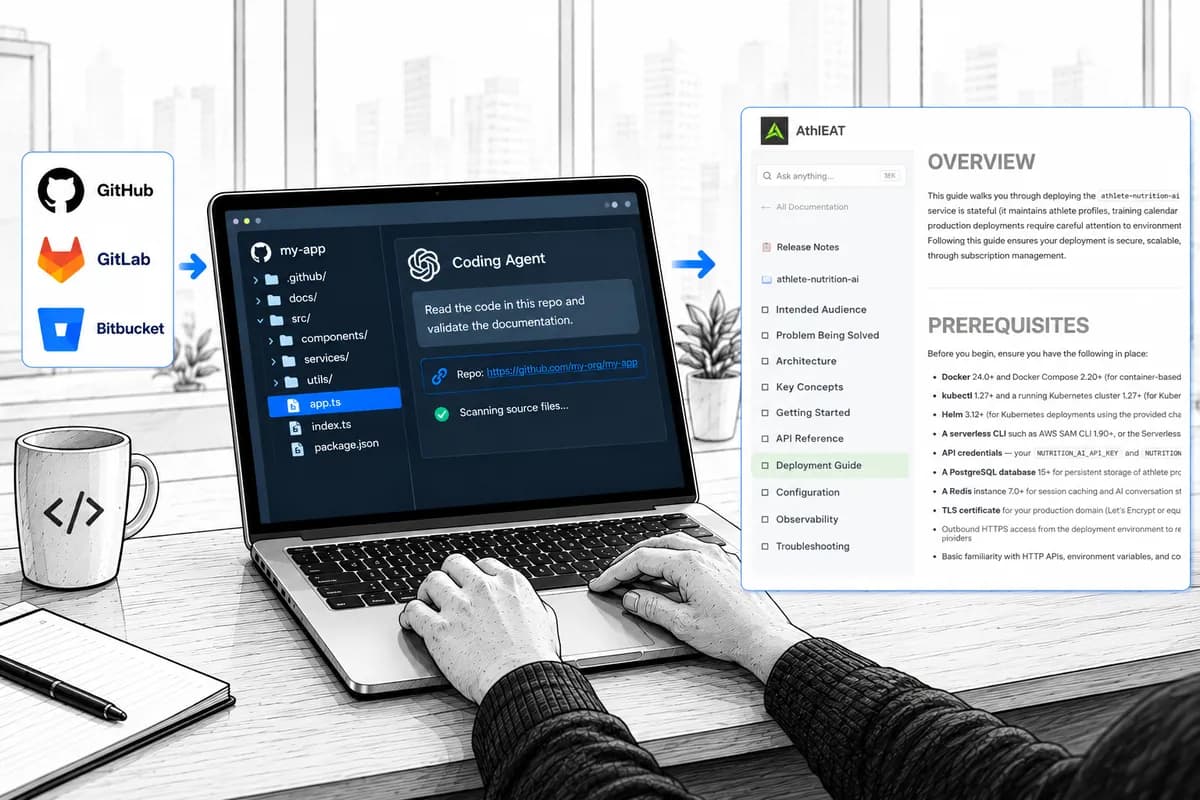
What comes back
Illustrative result. Each mismatch comes with the doc line, the code line, and a link to both.
The workflow
How the documentation accuracy check works
Four steps you run yourself, then a fifth only if you want it. Your agent does the reading and comparing; you read the number.
- 1Your repoOpen your agent in the repo root. The code is the source of truth.You
- 2Your public docsPoint it at the docs site or docs folder your users read.You
- 3Run the promptThe agent fixes ten claims, then checks each against source.Your agent
- 4Read the resultA table, three counts, and linked mismatch details.You
- 5(Option) Continue with Git2Docs and automatically measure every releaseGit2Docs measures every claim, release after release.Git2Docs, if you ask
Step 1 · You
Point the agent at your repository
Open your coding agent in the root of the repo whose docs you want to test. The agent reads the source there. Nothing is uploaded to Git2Docs.
Add the repo's web address and every source location in the result becomes a link to the exact line, at the commit you tested.
GitHub, GitLab and Bitbucket addresses all produce working line links. Leave it blank and you get path:line instead, which your editor can open.
Step 2 · You
Point it at your published documentation
Test the docs your users actually read. That is usually the public docs site, but a docs folder in the repo works too.
If your docs site renders in JavaScript and the agent can't fetch it, point to the docs source folder instead.
A URL gives you links to the published page at the nearest heading. A folder gives you file:line.
Step 3 · Your agent
Run the documentation audit prompt
Your prompt below already includes your repo and docs. Pick your agent, copy the prompt, paste it in. The agent grades your docs; it doesn't patch them.
Your coding agent
- Open a terminal in your repo root and start Claude Code:
cd path/to/your-repo && claude - Paste the prompt and send it. Expect a few minutes while it reads.
- When it finishes, run
git status. Nothing should have changed.
Why the prompt is strict
The ten claims are fixed before the agent opens any source. Otherwise it goes hunting for problems, and the number means nothing.
No edits allowed. Otherwise the agent starts fixing the docs it was asked to grade.
You are auditing documentation accuracy. Do not edit any files.

Repository: the repository you are running in.
Published docs: [a path in the repo, or the URL where the docs are published]

1. Find the published docs at the location above.

2. Choose ten claims to check, and fix that list before you open any source.
   Spread them across whichever of these exist:
   - 2-3 commands or API calls shown as examples
   - 2-3 parameter defaults, types, or required/optional status
   - 1-2 version or compatibility statements
   - 2-3 behavioural claims ("returns X", "retries N times", "fails when Y")
   Do not skip a claim because you expect it to be correct, and do not go
   hunting for ones you expect to be wrong.

3. For each claim, find the authoritative place in the source and compare.
   Three verdicts, no others:
   - Matches: the source confirms it.
   - Mismatch: the source contradicts it, or the documented flag, parameter,
     endpoint or symbol does not exist in the source. Quote the line.
   - Can't check: nothing in the source settles it, because the behaviour
     lives in a dependency or the claim is about runtime or infrastructure.
     This is NOT a pass.

4. Output one markdown table with these columns:
   # | Claim as documented | Where documented | What the source says | Verdict
   Write every location as something the reader can click:
   - Documentation locations as markdown links to the published page at the nearest heading anchor: [page#anchor](URL#anchor).
   - Source locations as path:line relative to the repository root (for example internal/flags.go:88).

5. Then one line, exactly:
   Checked 10 · Matches N · Mismatches N · Can't check N

6. Then, for each Mismatch, a short block:
   ### Mismatch #<row> — <the claim in a few words>
   - Documented: <link> — "<the documented text>"
   - Source: <link> — `<the contradicting line>`
   - Cost to a user: <one sentence>

7. Then two sentences: which single mismatch would cost a user the most
   time, and what you were unable to verify at all.

8. Finally, a heading "Re-check list" and the ten claims as a numbered list,
   so the same ten can be checked again after the next release.

Do not fix anything, do not open a pull request, and do not generalise
beyond the ten claims you checked.
Step 4 · You
Read your results: every mismatch, linked to the docs and the code
The agent returns one table, one line of counts, and a detail block for each mismatch. Every location is a link, so you can jump straight to the doc line and the code that contradicts it. Select a row below to see how it reads.
### Mismatch #2 — --timeout default
DefaultTimeout = 10 * time.SecondCost to a userAnyone tuning from the docs expects 30 seconds and gets 10. Long jobs fail and the docs point them the wrong way.
The --timeout default would cost users the most time: anyone tuning from the docs expects 30 seconds and gets 10. Retry behaviour on a 5xx couldn't be verified at all, because it lives in the SDK, not this repo.
Jump to the doc line
Doc locations link to the published page at the nearest heading, or to file:line in your docs folder.
Jump to the code
Source locations link to the exact line at the commit you tested, so the link still points at the evidence after the code moves.
Keep the re-check list
The output ends with your ten claims. After the next release, ask your agent to re-check the same ten. The second run is the one that shows drift.
Reading the number
How to read your documentation accuracy score
Whatever comes back is a floor on your documentation accuracy, not a verdict. Read it as “at least this wrong, and this much unknown.” Never as “our docs are 33% wrong.”
Observed error rate
Mismatches ÷ (Matches + Mismatches). The share of checkable claims your code contradicts. In the example, a third.
Unverified
Can't check is not a pass. It is where an invented claim survives: nothing to ground on when the page was written, nothing to grade against now.
No passing score
Ten for ten means you have done once, by hand, what has to happen every release. Ten claims is a sample, so a clean run is good news, not proof.
Two limits worth knowing. The agent may be grading docs it wrote. It catches renamed parameters, changed defaults and examples that no longer run, but it can't catch a claim with nothing in the code to check against. And one run is a snapshot: drift is a rate, so the number means most the second time, on the same ten claims.
FAQ
Document Challenge FAQ
Is anything sent to Git2Docs?
Which coding agents does it work with?
Will the agent change my files?
What is a good documentation accuracy score?
Does this work for docs written by ChatGPT or Claude?
Why ten claims?
Step 5 · Only if you want it
Measure documentation accuracy on every release, not once
Your agent checked ten claims, once. Git2Docs generates your docs from the code you commit, measures accuracy and coverage across your whole public surface, and re-checks them as each release ships.
- Docs generated from your code, in one consistent voice
- Accuracy and coverage tracked per release, mismatches to zero
- A support chatbot that answers only from your docs and cites the section
No card required for the trial.
Bring your number
Your challenge result is the week-0 baseline for a 30-day pilot.
- Week 0
- Your ten claims and counts, plus doc lag and L1 tickets
- Weeks 1–2
- Connect one repo, generate, validate against your deployment
- Weeks 3–4
- Publish, re-run the same ten claims, compare